
Settings
The Settings area is used to manage users, organizations, companies, and billing.
Access to Organization, Company, User Management, and Billing settings is restricted to Admins.
User Settings
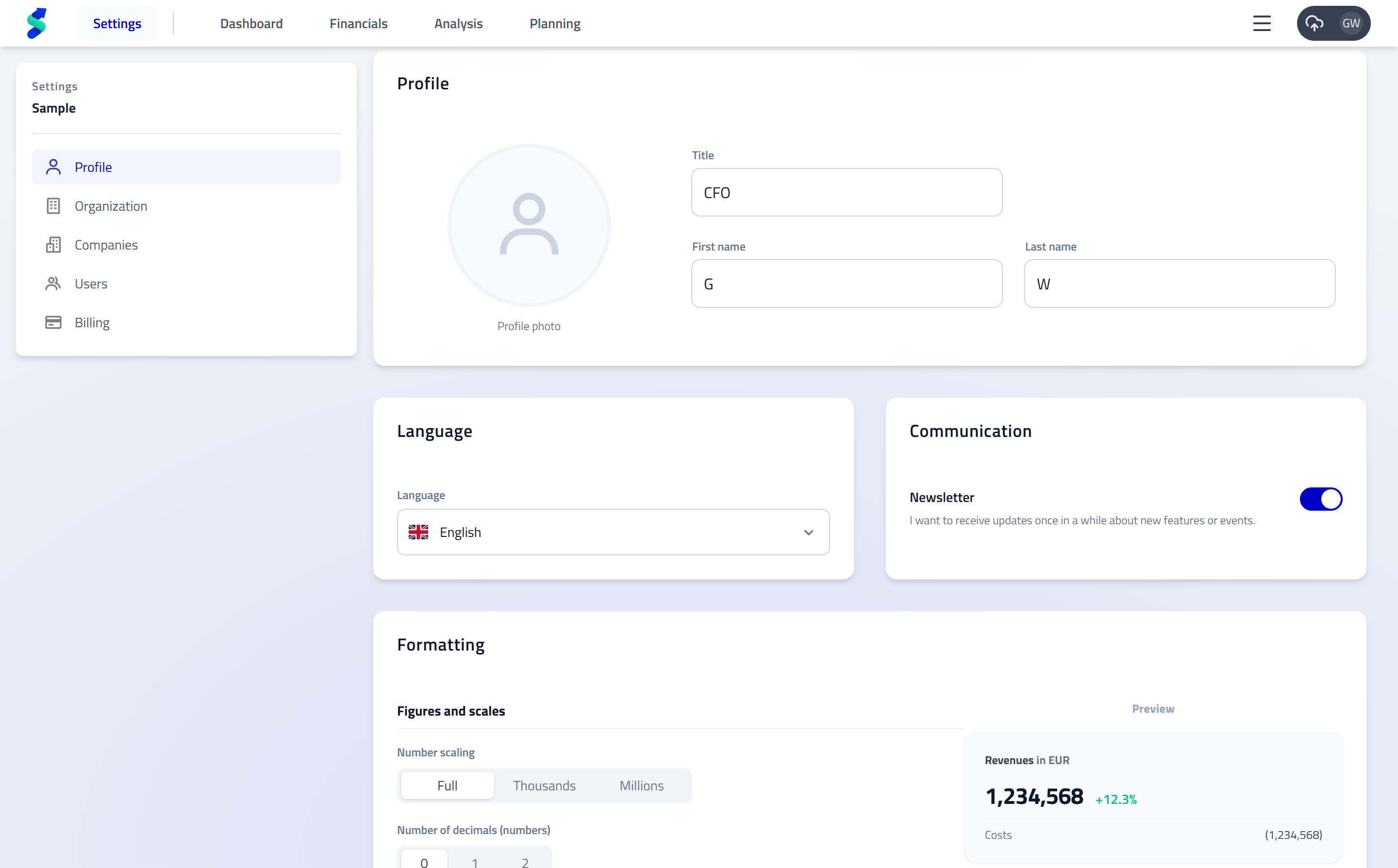
User Settings apply to your personal profile and preferences and are available to all users.
What you can configure
- Name – Update how your name is displayed across statycs
- Profile picture – Upload or change your avatar
- Language – Choose your preferred UI language
- Number formatting – Define decimal and thousand separators
Organization Settings
Purpose
Organization Settings define global information and defaults for your organization and provide an overview of companies and seats.
Only Admins can access and modify these settings.
What you can manage
- Organization name
- Default settings for newly created companies:
- Currency
- Country
- Industry
- Fiscal year-end
Company & seat management
- Add new companies to the organization
- Manage available company seats as part of your subscription
Company Settings
Purpose
Company Settings control configuration for a specific legal entity.
Only Admins can access and modify company-level settings.
What you can manage
- Company name and general company information
- Fiscal year-end, currency, and industry
- Company-specific configuration used across:
- Financials
- Analysis
- Planning
Important
Changes made in Company Settings may affect existing reports, plans, and analyses.
User Management
Purpose
User Management allows Admins to control access, roles, and company visibility across statycs.
Invite users
- Go to Settings → User Management
- Click + Add user
- Assign:
- Role
- Company access
Edit or remove users
- Update roles or company access via Edit
- Remove users to revoke access and free up seats
Roles & permissions
Viewers cannot access the Planning workspace but can select plans in other sections.
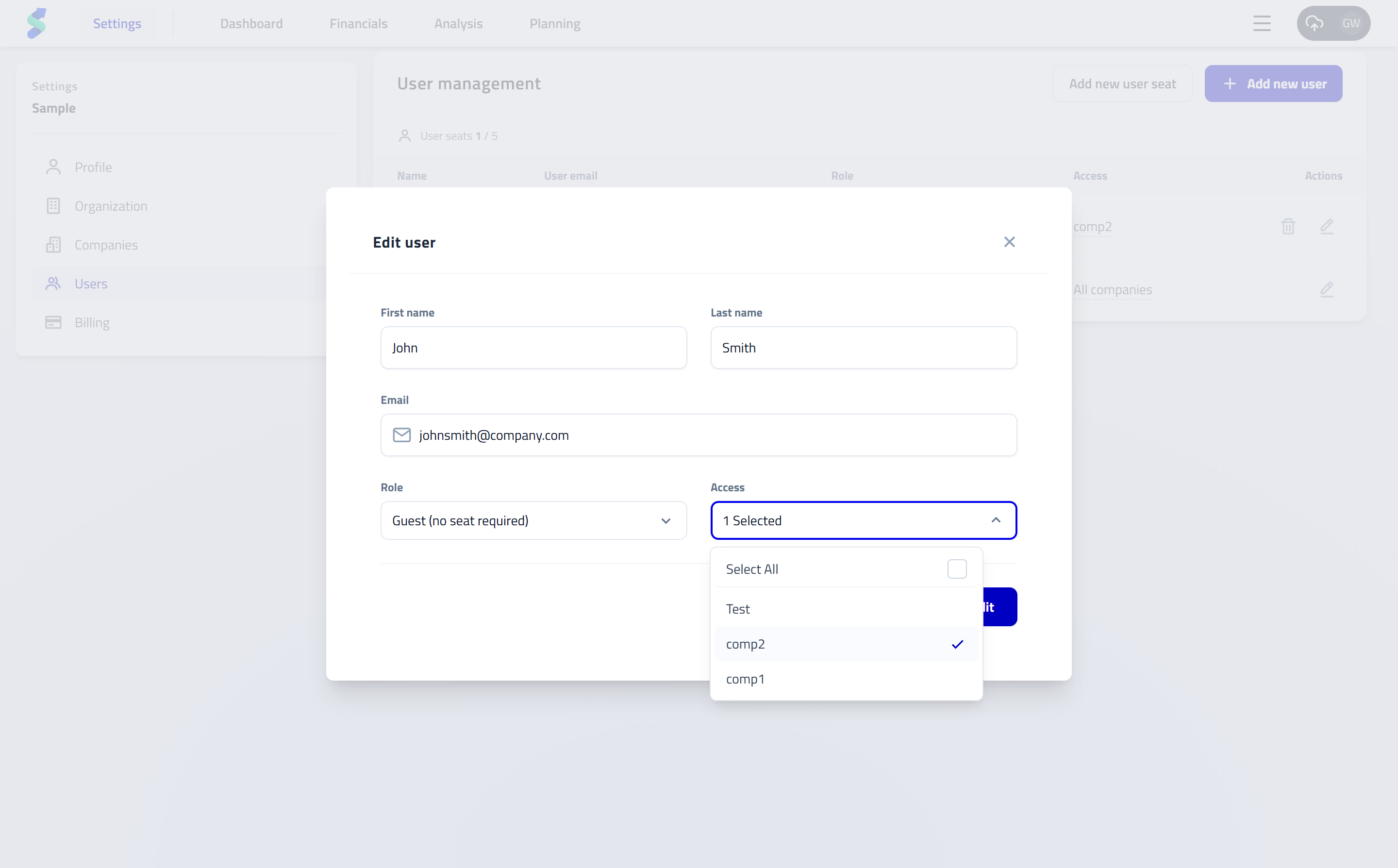
Guests have Dashboard-only access and do not consume a paid seat.
Billing Settings
Purpose
Billing Settings provide a central place to manage your subscription and billing details.
Only Admins can access this section.
What you can manage
- Subscription plan and number of company seats
- Billing details and payment method
- Invoices and billing history
Typical actions
- Upgrade or downgrade your subscription
- Update payment information via the billing portal
- View and download invoices
Workflow tip
Changes made in Settings take effect immediately across statycs.
Use Organization and Company Settings carefully, as they directly influence reporting, analysis, and planning behavior.